
AI tools for Android developers accelerate code writing in Kotlin/Java, generate Jetpack Compose UI from descriptions, auto-detect bugs before they reach production, write unit tests, and explain legacy code — making solo developers as productive as teams.
Key points:
Android has 3.6 billion active devices and 2.5 million+ apps on the Play Store. Android development is increasingly complex: Kotlin multiplatform, Compose Multiplatform, Material 3, and evolving Jetpack APIs demand constant learning. AI acts as an expert pair programmer always available.
| Dev Task | Without AI | With AI |
|---|---|---|
| Write ViewModel boilerplate | 20 minutes | 2 minutes |
| Generate Compose UI screen | 1–2 hours | 20 minutes |
| Write unit tests for a feature | 30–60 minutes | 10 minutes |
| Debug a crash from stack trace | 30–60 minutes | 5 minutes |
| Explain legacy Java codebase | Hours of reading | Instant explanation |
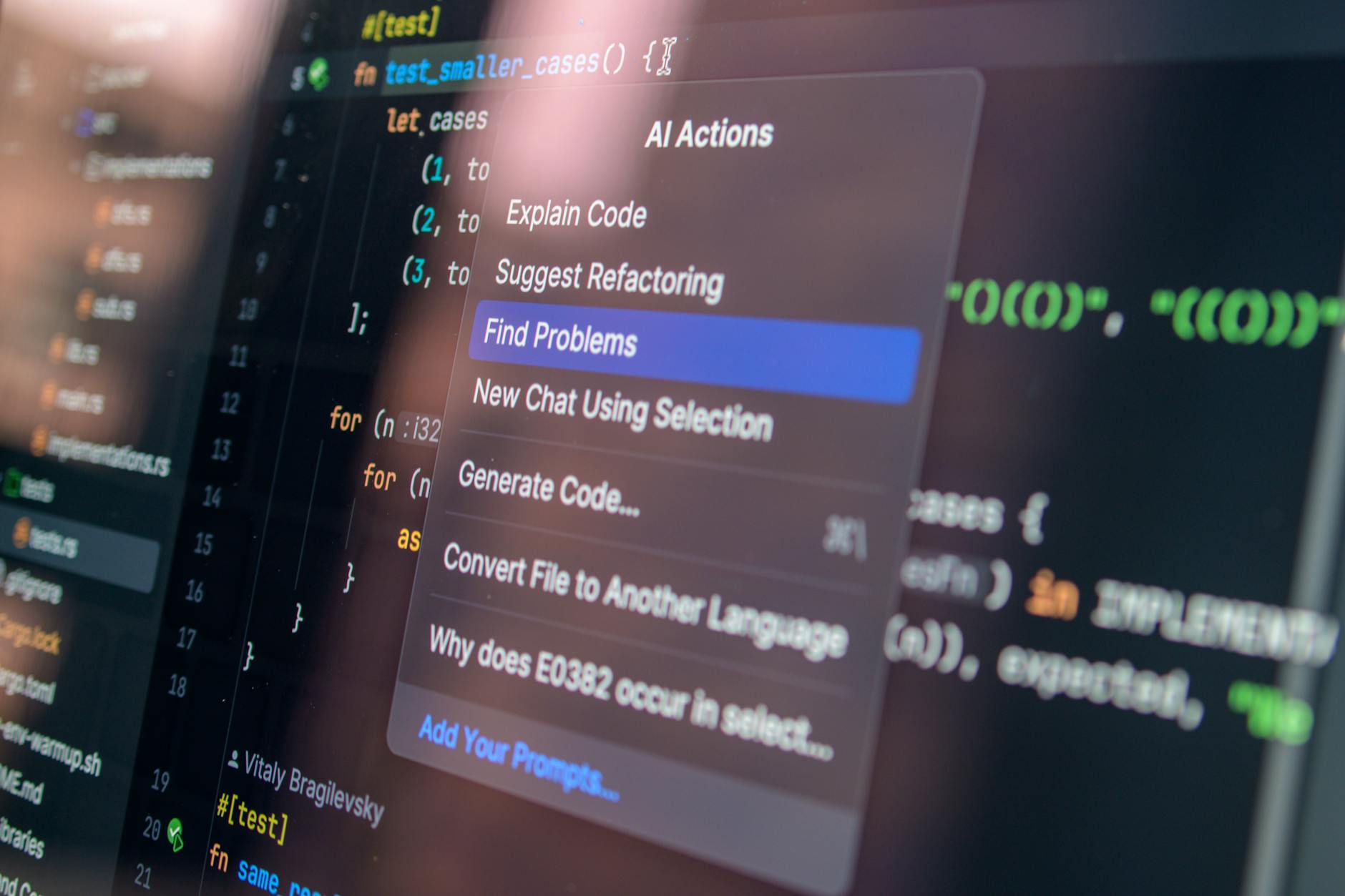
Gemini in Android Studio (native) — Google's AI assistant embedded directly in Android Studio Ladybug and later. Generates Kotlin code, explains errors, writes Compose UI components, and answers Android-specific questions in context.
GitHub Copilot — AI pair programmer supporting Kotlin, Java, and Gradle. Works inside Android Studio via the JetBrains plugin. Completes functions, writes boilerplate, and suggests API usage based on your imports and context.
Assisters.dev — Use for code generation outside the IDE: write complex algorithms, generate architecture patterns (MVVM, Clean Architecture boilerplate), explain code snippets, and draft technical documentation for your app.
JetBrains AI Assistant — Built into Android Studio (JetBrains platform). Integrated AI chat, code explanation, and refactoring suggestions. Works without context-switching out of the IDE.
CodiumAI (Qodana AI) — Automated test generation for Android. Analyzes your Kotlin/Java code and generates meaningful unit tests using JUnit/Mockito/Kotest. Catches edge cases developers typically miss.
Firebase Crashlytics + Vertex AI — Firebase integrates Vertex AI to provide AI-powered crash analysis. When a new crash cluster appears, AI explains the likely root cause and suggests fixes based on your codebase.
Android Studio Bot (Gemini API) — Natural language interface for Android development: "Create a composable that shows a list of items with pull-to-refresh using LazyColumn" → working Compose code generated instantly.
| Tool | How It Integrates with Android Dev | Free? | Best For |
|---|---|---|---|
| Gemini in Android Studio | Native plugin (Android Studio Ladybug+) | Free (limited) | Compose generation, code Q&A |
| GitHub Copilot | JetBrains plugin for Android Studio | Paid ($10/mo) | Code completion |
| Assisters.dev | Web/API + copy to IDE | Free tier | Architecture, complex algorithms |
| JetBrains AI Assistant | Built-in (requires subscription) | Paid | Chat + refactoring |
| CodiumAI | IDE plugin + standalone | Freemium | Test generation |
| Firebase + Vertex AI | Firebase console integration | Pay-per-use | Crash analysis |
| Android Studio Bot | Native (Google account) | Free | Natural language Android dev |
Enable Gemini in Android Studio. Update to Android Studio Ladybug (2024.2.1) or later. Sign in with your Google account. Click the Gemini icon in the right panel or use the shortcut. Ask "Generate a ViewModel for a user profile screen with Kotlin Flows and StateFlow for UI state."
Install GitHub Copilot plugin. In Android Studio: Settings → Plugins → Marketplace → search "GitHub Copilot". Install and sign in with your GitHub account. Copilot will now autocomplete as you type. Accept suggestions with Tab, cycle through alternatives with Alt+].
Use Assisters.dev for architecture scaffolding. When starting a new feature, describe it to Assisters.dev: "I need Clean Architecture boilerplate in Kotlin for a feature that fetches user posts from a REST API, caches them in Room, and displays them with pagination using Paging 3." Copy the output as your starting scaffold.
Set up CodiumAI for test generation. Install the CodiumAI plugin in Android Studio. Right-click any function → "Generate tests with CodiumAI." Review the generated JUnit tests, select the relevant ones, and add to your test directory. Aim for 80%+ coverage without writing tests manually.
Use Firebase Crashlytics AI crash analysis. In your Firebase console → Crashlytics → click any crash cluster. Vertex AI now provides "AI analysis" panel explaining the probable cause, affected Android versions, and suggested code fix. This replaces hours of manual crash investigation.
Scenario 1 — Solo Android developer building a fintech app. Used Gemini in Android Studio for all Compose UI screen generation. Reduced time to implement new screens from average 3 hours to 50 minutes. Shipped MVP 3 weeks ahead of schedule.
Scenario 2 — Android developer maintaining 6-year-old Java codebase. Pasted legacy Activity classes into Assisters.dev: "Explain what this class does, identify code smells, and suggest how to refactor it to Kotlin with MVVM." Generated refactoring plans cut migration planning time from weeks to days.
Scenario 3 — Dev team of 3 at a startup. Added CodiumAI for automated test generation. Test coverage went from 12% to 68% in 6 weeks without dedicating dedicated QA sprints. Crash rate on production dropped 44% in the following quarter.
A: Gemini in Android Studio has deeper Android-specific context (knows Jetpack Compose APIs, Material 3 components, and Android architecture patterns). GitHub Copilot is better at general Kotlin/Java completion and cross-language projects. Many developers use both.
A: Emerging tools (Google's Stitch, Figma-to-Compose plugins) can convert Figma designs to Compose code with ~70–80% accuracy. Expect the output to require manual refinement, especially for complex animations and state management.
A: Yes. Gemini and GitHub Copilot both support Kotlin and generate KMP-compatible code (shared module code, platform-specific expect/actual declarations). Specify "this is a KMP project" in your prompt for better context.
A: Paste the full stack trace + the relevant source code section into Assisters.dev with the prompt: "I'm seeing this crash in an Android app. Here is the stack trace and the code. Explain the root cause and suggest a fix." This approach resolves 60–70% of crashes without additional debugging.
A: Yes. Paste your build.gradle.kts and describe the problem or the configuration you want. Assisters.dev generates correct Gradle syntax for dependency management, build variants, and custom Gradle tasks — avoiding hours of documentation searching.
A: Android Studio's Profiler now includes AI-assisted analysis that explains CPU, memory, and rendering bottlenecks in plain language. For deeper analysis, paste profiler data into Assisters.dev for custom optimization recommendations.
AI tools have become essential for competitive Android development in 2026. Gemini in Android Studio handles day-to-day coding assistance, Copilot handles completion, CodiumAI ensures test coverage, and Assisters.dev fills every gap that needs custom AI output.
Start with Gemini in Android Studio (it's free), then explore custom AI workflows for complex tasks at https://assisters.dev. More developer AI guides live at https://www.misar.blog.
The AI Assistant Creator Economy Explained

By 2026, AI chatbots won’t just be tools—they’ll be revenue streams. If you’re a creator, coach, consultant, or small business owner, an AI…

The future of customer service isn’t being built in call centers alone—it’s being embedded directly into the products and workflows your Saa…









Comments
Sign in to join the conversation
No comments yet. Be the first to share your thoughts!