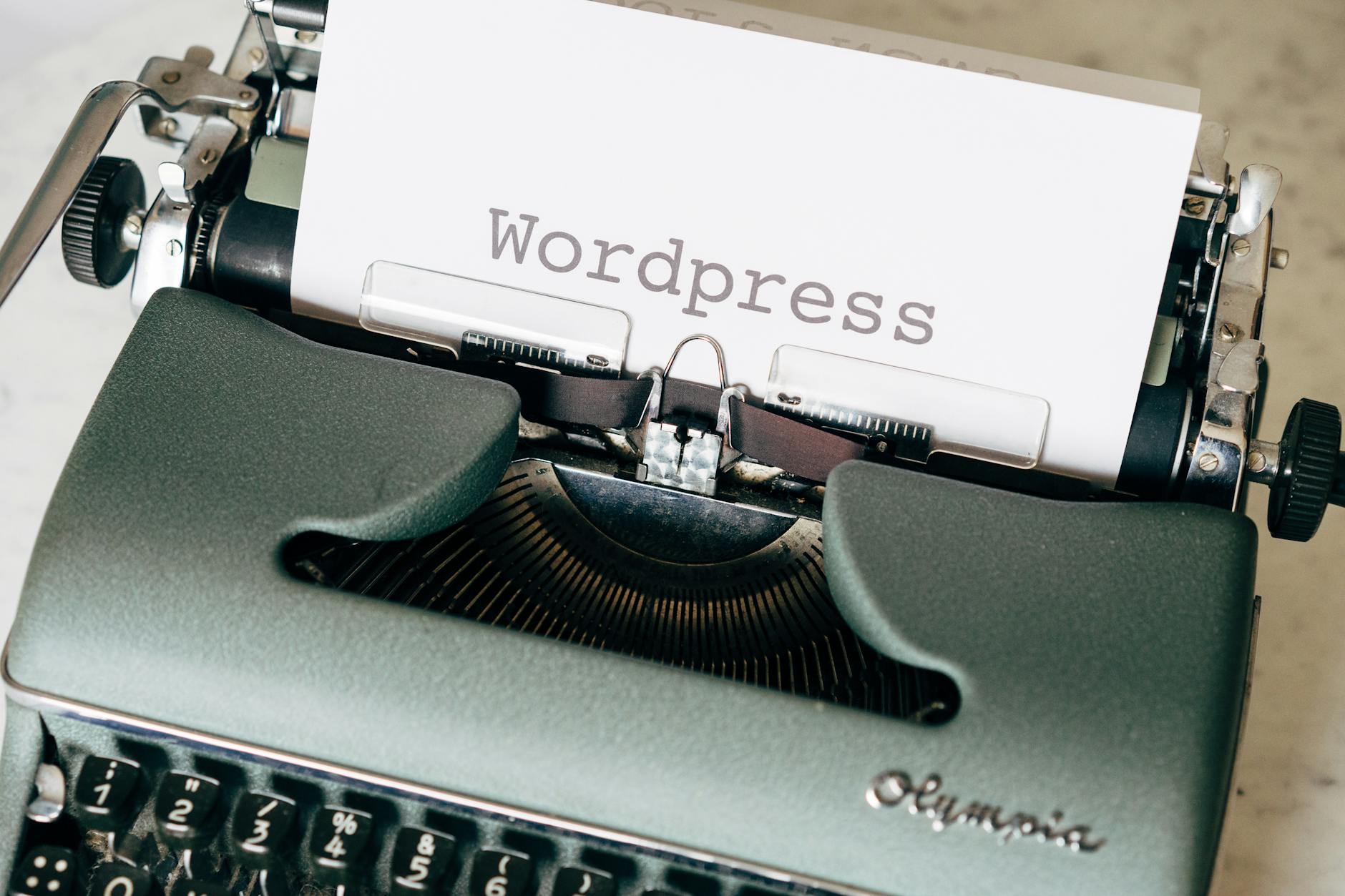
The best AI tools for WordPress bloggers in 2026 are Rank Math AI (SEO optimization with AI), Bertha AI (WordPress-native AI writer), Divi AI (AI page builder with content generation), Jetpack AI (built into Jetpack plugin), and Surfer SEO (AI-driven content optimization). These tools help bloggers publish more content, rank higher, and spend less time on each post.
Top picks at a glance:
WordPress powers 43% of all websites on the internet, and the bloggers who win organic traffic in 2026 are those who combine AI content generation with solid SEO strategy. The challenge has never been writing ability — it's been volume, consistency, and optimization speed. AI solves all three.
Bloggers using AI tools publish 2.8× more content per month than those writing manually, according to a 2025 HubSpot blogging report. More importantly, AI-assisted posts that follow SEO guidelines rank faster because they're structured, complete, and cover related topics comprehensively.
Key stats:
| Tool | Integration Type | Free Tier | Best Use Case |
|---|---|---|---|
| Rank Math AI | WordPress plugin | Yes (basic SEO) | On-page SEO, content AI suggestions, schema |
| Bertha AI | WordPress plugin | Yes (limited credits) | Writing inside Gutenberg block editor |
| Jetpack AI | WordPress plugin | Yes (20 requests/mo) | Quick drafts, grammar fixes, summarize posts |
| Surfer SEO | External + WordPress plugin | No ($89/mo) | Content editor with real-time SEO scoring |
| Divi AI | Divi theme add-on | No ($18/mo with Divi) | Page builder with AI content + image generation |
| Yoast SEO AI | WordPress plugin | Yes (basic) | SEO meta generation, readability analysis |
| Copy.ai | External + Zapier | Yes (2,000 words/mo) | Blog outlines, intro paragraphs, CTAs |
| ShortPixel AI | WordPress plugin | Yes (100 credits/mo) | AI image optimization and WebP conversion |
Install Rank Math — Go to WordPress admin → Plugins → Add New → search "Rank Math SEO." Install and activate. Complete the setup wizard, connecting to Google Search Console if possible. Enable the "Content AI" add-on inside Rank Math → Modules. This gives you the AI content editor with keyword suggestions inside every post.
Install Bertha AI — Search "Bertha AI" in the plugin directory, install, and activate. Sign up for a Bertha account (free tier available) and paste your API key in Bertha AI → Settings. Now when you create or edit any post/page in Gutenberg, the Bertha panel appears in the sidebar with writing options.
Activate Jetpack AI — If you already have Jetpack installed (common on WordPress.com sites), go to Jetpack → Settings → Writing and toggle on "AI Assistant." In any post, type "/ai" in the block editor to invoke Jetpack AI. No extra API keys needed.
Connect Surfer SEO — Sign up at surferseo.com, install the Surfer SEO WordPress plugin, and connect via API key. Open any post and click "Open in Surfer Editor." Surfer scores your content in real time against the top 10 ranking pages for your target keyword and tells you exactly what to add to improve your score.
Generate your AI-assisted first draft — In the Gutenberg editor, type your post title, then use Bertha AI (sidebar) or Jetpack AI (/ai command) to generate a first draft. Prompt: "Write a 1500-word comprehensive blog post about [TOPIC] targeting the keyword [KEYWORD]. Include an intro, 5 subheadings with body paragraphs, and a conclusion." Edit the output to add your voice and examples.
Optimize with Rank Math AI — With your draft in the editor, open the Rank Math panel (right sidebar) and run "Content AI Analysis." It shows your Focus Keyword density, related keywords to include, readability score, and word count targets based on top-ranking competitors. Add the suggested terms naturally.
Automate image optimization — Install ShortPixel AI or Imagify and configure auto-optimization. Every image you upload to the WordPress media library is automatically compressed, converted to WebP, and served via CDN. This improves Core Web Vitals scores, which Google factors into rankings.
The highest-leverage AI workflow for WordPress bloggers is going from keyword to published draft in under 30 minutes. Use Surfer SEO to research the keyword and see what competitors cover. Feed that into your AI writing tool with a detailed prompt. Edit for voice and accuracy. Run through Rank Math for SEO scoring. Publish. What used to take 4–6 hours now takes 45–90 minutes.
Workflow: Keyword → Surfer research → AI draft in Bertha/Jetpack → Edit → Rank Math optimization → Publish.
Every WordPress post needs a meta title and meta description. Writing these manually for 50+ posts is tedious and inconsistent. Rank Math AI generates optimized meta titles and descriptions for every post based on your content and target keyword. Click the "Generate with AI" button in the Rank Math meta box and choose the best variant from 3 suggestions.
Your older posts lose rankings over time as content becomes outdated. Use AI to refresh them at scale. Export your post content, paste it into ChatGPT or Bertha with the prompt "Update this post for 2026, add current statistics, and expand the [specific section]." Then paste the updated content back. Combine with Surfer SEO to ensure the refreshed content still hits the target keyword density.
Workflow: Identify declining posts via GSC → AI refresh → Surfer re-score → republish with updated date.
Internal links distribute SEO authority across your site and improve user engagement. But manually identifying and adding internal links across hundreds of posts is exhausting. Tools like Link Whisper (WordPress plugin with AI-suggested links) analyze your content and suggest relevant internal links in real time as you write. The AI matches content semantically, not just by exact keyword match. See also: how to use AI for SEO ranking.
Every post needs a featured image. Creating custom images for every post is time-consuming; stock photos look generic. Use Divi AI's image generation, or connect DALL-E or Midjourney via Zapier to generate unique, on-brand featured images from a post title prompt. Install them automatically as featured images using custom code or an automation plugin.
A: Yes, but with important caveats. AI can generate complete first drafts, but the best-performing posts have human editing for accuracy, personal experience, and voice. Fully automated AI posts without editing often feel generic and can struggle to rank. The best workflow is AI-first, human-refined. See how to automate content writing with AI for a detailed system.
A: In 2026, Rank Math AI has more advanced AI features than Yoast. Rank Math's Content AI module provides keyword suggestions, NLP-based topic recommendations, and AI meta generation that Yoast's free tier doesn't match. Yoast Premium has some AI features, but Rank Math's free plan includes more AI functionality than Yoast free.
A: Jetpack AI (20 free requests/month) and Rank Math SEO (free with basic AI features) are the best free starting points. For a completely free setup, Rank Math for SEO optimization plus ChatGPT (free tier) for drafting is a powerful combination that costs $0/month.
A: Google's official position is that it evaluates content quality, not how it was produced. AI-written content that is accurate, helpful, and original does not get penalized. AI content that is thin, repetitive, or factually wrong does. Focus on quality and editing over automation for automation's sake. See how to use AI for SEO ranking for Google's E-E-A-T guidelines.
A: Edit for personal anecdotes, add specific data points from your own experience, vary sentence length deliberately, remove filler phrases ("In conclusion," "It's worth noting"), and add your unique opinion or recommendation. These edits take 15–20 minutes but make the content sound authentically human. Also use tools like Grammarly or Hemingway Editor to polish the final draft.
A: Indirectly, yes. AI image optimization (ShortPixel AI, Imagify) directly improves page speed. Rank Math AI helps with technical SEO elements like schema markup generation. For deeper technical SEO, tools like Screaming Frog with AI analysis features or NitroPack's AI-based caching are worth exploring.
WordPress bloggers who integrate AI into their content workflow in 2026 can realistically 3× their publishing output without burning out. The stack is straightforward: Rank Math for SEO intelligence, Bertha AI or Jetpack AI for drafting inside WordPress, and Surfer SEO for competitive optimization. Start with Rank Math (free, install today) and Jetpack AI if you're already on Jetpack — these two tools alone will transform your content process.
Try AI-powered workflows with Assisters — free to start.
Ranking on search engines isn’t about gaming the system—it’s about writing content that readers actually want and that search engines can un…

The AI Assistant Creator Economy Explained

By 2026, AI chatbots won’t just be tools—they’ll be revenue streams. If you’re a creator, coach, consultant, or small business owner, an AI…










Comments
Sign in to join the conversation
No comments yet. Be the first to share your thoughts!